
Download AVI ReComp – video recomp, video compression, video editing tool, AVI file converter, video modification, subtitle addition, audio adjustment, video size change, format conversion, Windows tool
Overview
AVI ReComp is a free Windows application designed to assist users in recompressing video files while offering a range of customization options. Its primary purpose is to simplify the process of modifying AVI video files, including adjusting resolution, adding subtitles, and managing audio streams. The tool is particularly useful for individuals who need to reduce file size without compromising video quality or adapt content for different playback devices. It serves both beginners and experienced users, thanks to its intuitive interface and straightforward workflow. The application supports various video and audio formats, making it a versatile utility for basic video editing tasks.
AVI ReComp addresses common challenges such as large file sizes, outdated formats, and missing audio tracks. It enables users to repackage AVI files efficiently, whether for storage optimization, sharing across platforms, or preparing content for specific devices. Its ability to handle files without audio ensures that silent video content remains editable. This makes it a reliable option for users managing legacy video archives or creating custom video content for personal or professional use. The application plays a minor but functional role in the broader video editing ecosystem, filling a niche for lightweight, no-frills video recompression on Windows.
The developer, AVI ReComp, has not provided additional details about the organization or development background. The application was released on January 13, 2009, indicating a long-standing presence in the utility space. Despite its age, it continues to serve users who require a simple, free tool for basic video modifications. Its enduring relevance lies in its focus on core functionality without unnecessary complexity.
Key Features & Functionality
- User-Friendly Interface: The application features an intuitive layout that simplifies navigation, allowing users to access essential tools without prior training. This design benefits both new users and those who prefer minimalistic software.
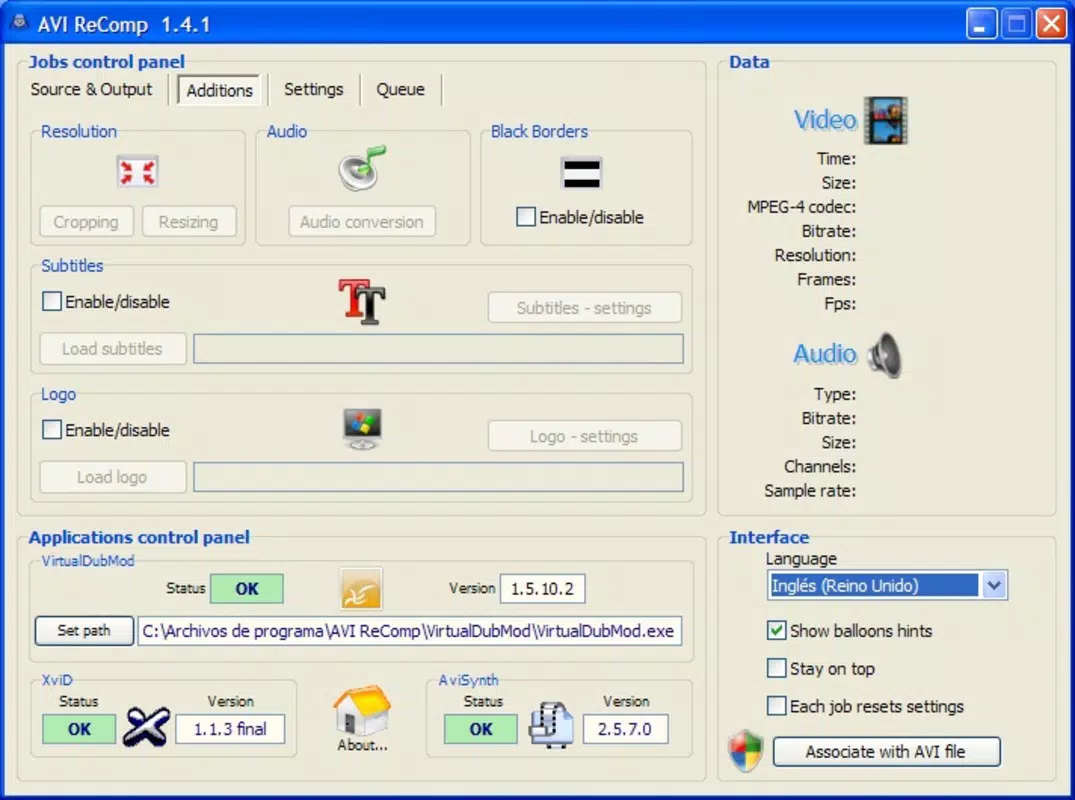
- Video Size Adjustment: Users can modify the resolution of AVI files to reduce file size or optimize playback on lower-end devices, making it ideal for sharing or archiving.
- Subtitle Integration: AVI ReComp allows users to embed subtitles directly into video files, enabling better accessibility and language support for international audiences.
- Audio Stream Management: The tool supports audio adjustment, including re-encoding or embedding audio into files that originally lacked sound, ensuring full media compatibility.
- Format Conversion: It enables conversion between AVI and other video formats, improving compatibility with various media players and devices.
- Support for No-Audio Files: The application can process AVI files without audio tracks, preserving the video content while allowing for other modifications.
For example, a user preparing a video for a presentation might use AVI ReComp to shrink the file size, add subtitles for clarity, and convert the output to a widely supported format. Similarly, someone archiving old video recordings could use it to repackage silent footage with minimal effort. These real-world scenarios highlight the tool’s practicality for everyday video management tasks.
Interface, UX & Performance
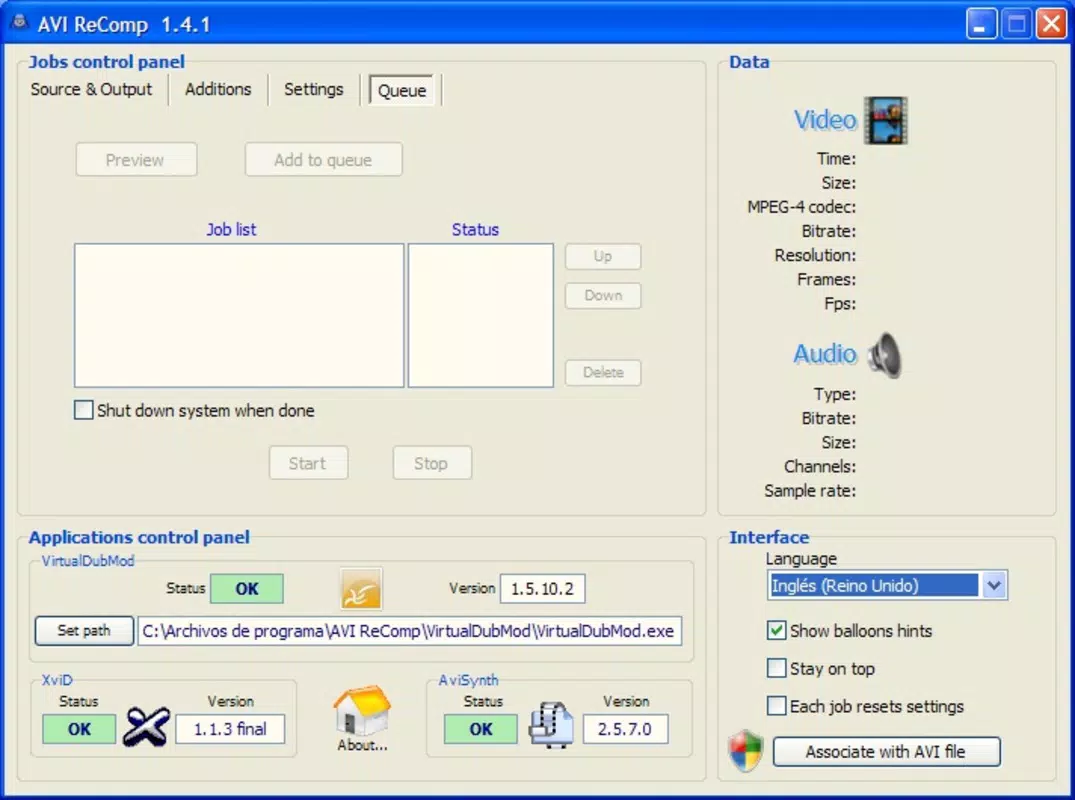
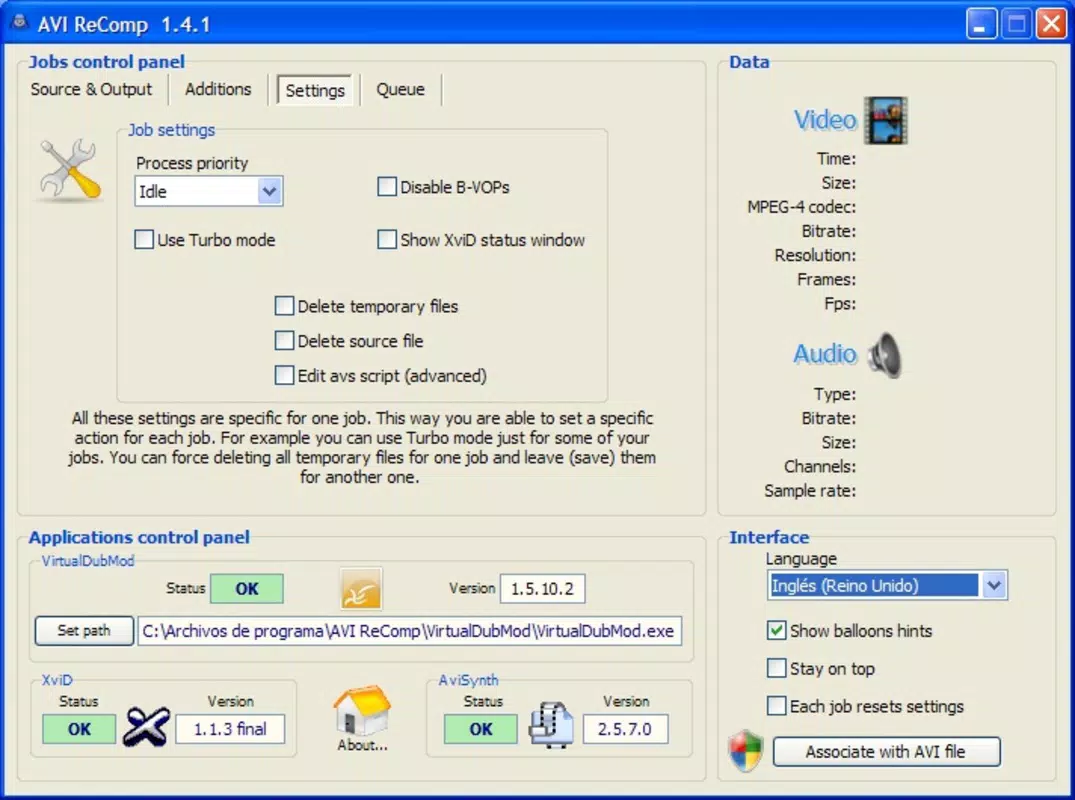
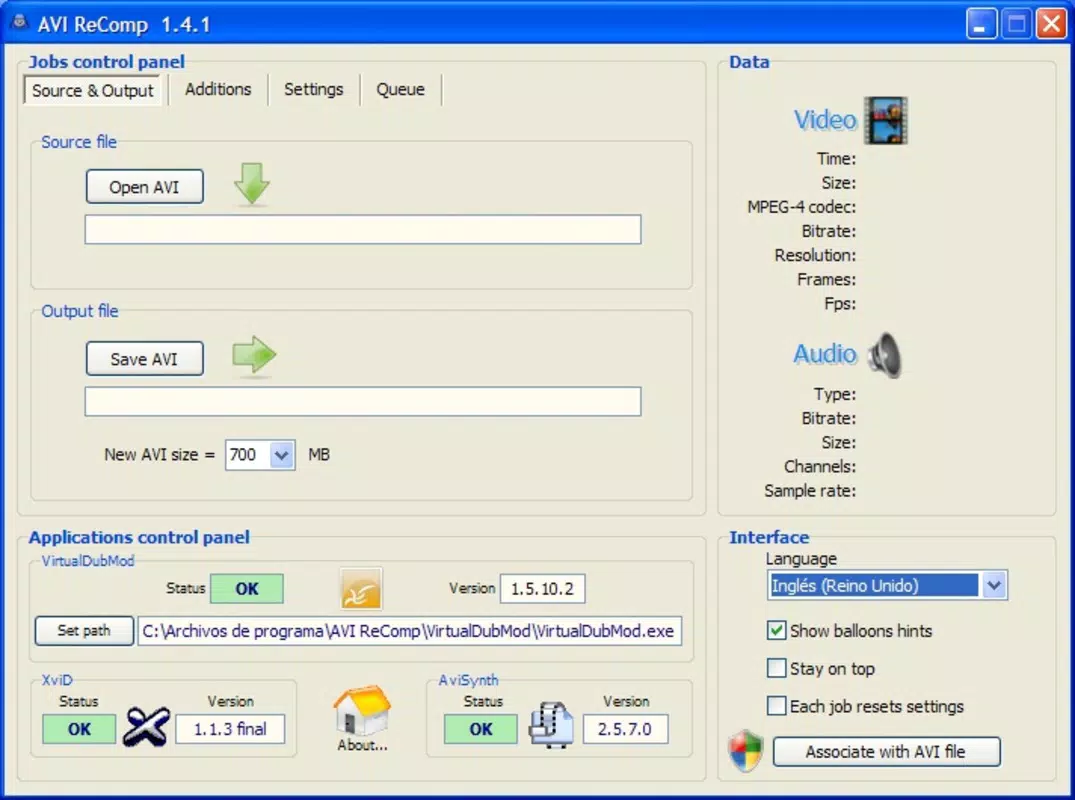
AVI ReComp features a clean, minimal interface focused on core functionality. The layout is organized around essential editing tasks, with clearly labeled options for video size, audio, subtitles, and format conversion. Navigation is straightforward, relying on a linear workflow that guides users through each step without overwhelming them.
The visual style is functional rather than visually rich, consistent with its role as a utility tool. It avoids unnecessary animations or graphical elements, prioritizing usability over aesthetics. This approach ensures the interface remains accessible on older or low-spec Windows systems.
Although the developer did not list formal performance metrics, the application’s small file size of 1.5 MB suggests efficient resource usage. It is likely to run smoothly on a range of Windows devices, including those with limited processing power. Responsiveness appears to be adequate for basic operations, though complex tasks may take longer on older hardware. Stability is not explicitly documented, but the application’s long release history implies consistent performance over time.
Platform Compatibility & Technical Requirements
AVI ReComp is designed for the Windows operating system. It is compatible with Windows platforms, though specific OS versions were not listed by the developer. The application has a file size of 1.5 MB, making it lightweight and easy to download and install.
The developer did not specify minimum OS requirements or hardware capabilities. Users should ensure their system meets general Windows compatibility standards for running legacy applications. No additional software dependencies were mentioned, suggesting a standalone installation.
Pros and Cons
Pros
- Free to download and use with no hidden costs
- Lightweight design with a small file size of 1.5 MB
- Supports a range of video and audio modifications
- Intuitive interface suitable for beginners and experienced users
- Capable of handling AVI files without audio tracks
Cons
- No official documentation or user guides provided
- Unsupported on non-Windows platforms
- Older release date may raise compatibility concerns on modern systems
- Limited to AVI file processing, with no support for other video formats
- Lacks advanced editing features such as trimming or transitions
FAQ
Is AVI ReComp safe to download and install?
Yes, AVI ReComp is a free Windows application that does not require registration. It is distributed without known malware or harmful components. However, users should always download from official or trusted sources to ensure security.
Can I use AVI ReComp on Windows 10 or Windows 11?
While the developer did not specify compatibility details, the application has been in use since 2009 and may run on modern Windows systems. Users should test it on their device to confirm functionality.
Does AVI ReComp support video formats other than AVI?
The application is specifically designed for AVI files. It does not support other video formats such as MP4, MOV, or MKV. Users should convert files to AVI first if they wish to use this tool.
Is AVI ReComp updated regularly?
There is no public information about regular updates. The last known release was in 2009, so the tool may not include support for newer codecs or system features.
Can I add subtitles to my video using AVI ReComp?
Yes, the application allows users to embed subtitles into AVI files, which is useful for adding captions or language support to video content.
Final Thoughts
AVI ReComp remains a functional tool for users seeking a simple, free solution to recompress and modify AVI video files. Its ability to adjust video size, add subtitles, manage audio, and convert formats makes it a practical utility for basic video editing needs. While it lacks modern features and updates, its lightweight design and focus on core tasks ensure it remains relevant for specific use cases.
It is best suited for individuals managing legacy video content, preparing files for older devices, or working with AVI files in a no-frills environment. For those needing advanced editing, it is not a full-featured editor, but for targeted modifications, it delivers reliable performance.
With a free price tag and minimal system requirements, AVI ReComp offers a low-risk entry point for users exploring video compression and editing. Its long-standing presence on the Windows platform speaks to its stability and enduring utility.
Download AVI ReComp now


